
MIYJCC Is Here4YOU!
To better serve you and ensure a seamless, user-friendly experience, we are excited to announce our new membership management and registration system Amilia. This updated platform is designed to make registering for programs and activities, and accessing your membership account easier, faster, and more convenient.
Reminders
- Questions? Contact [email protected]
- The MyJ App will remain in place for now for all Fitness & Aquatic reservations
- In order to gain access to the MIYJCC, you can either use your membership issued ID, your MyJ barcode or download the Amilia app.
LOG IN STEP-BY-STEP HOW TO GUIDE:
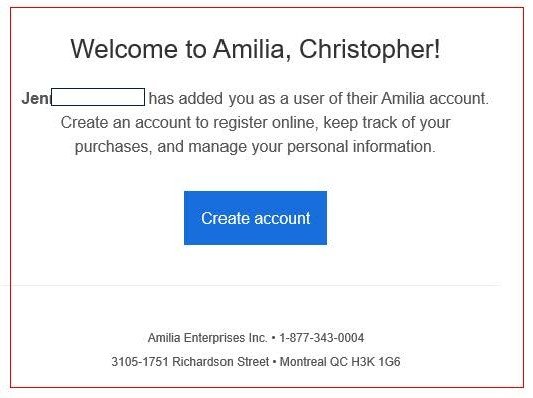
Step 1: Look out for an email from Amilia
*please check your spam/junk/clutter folders
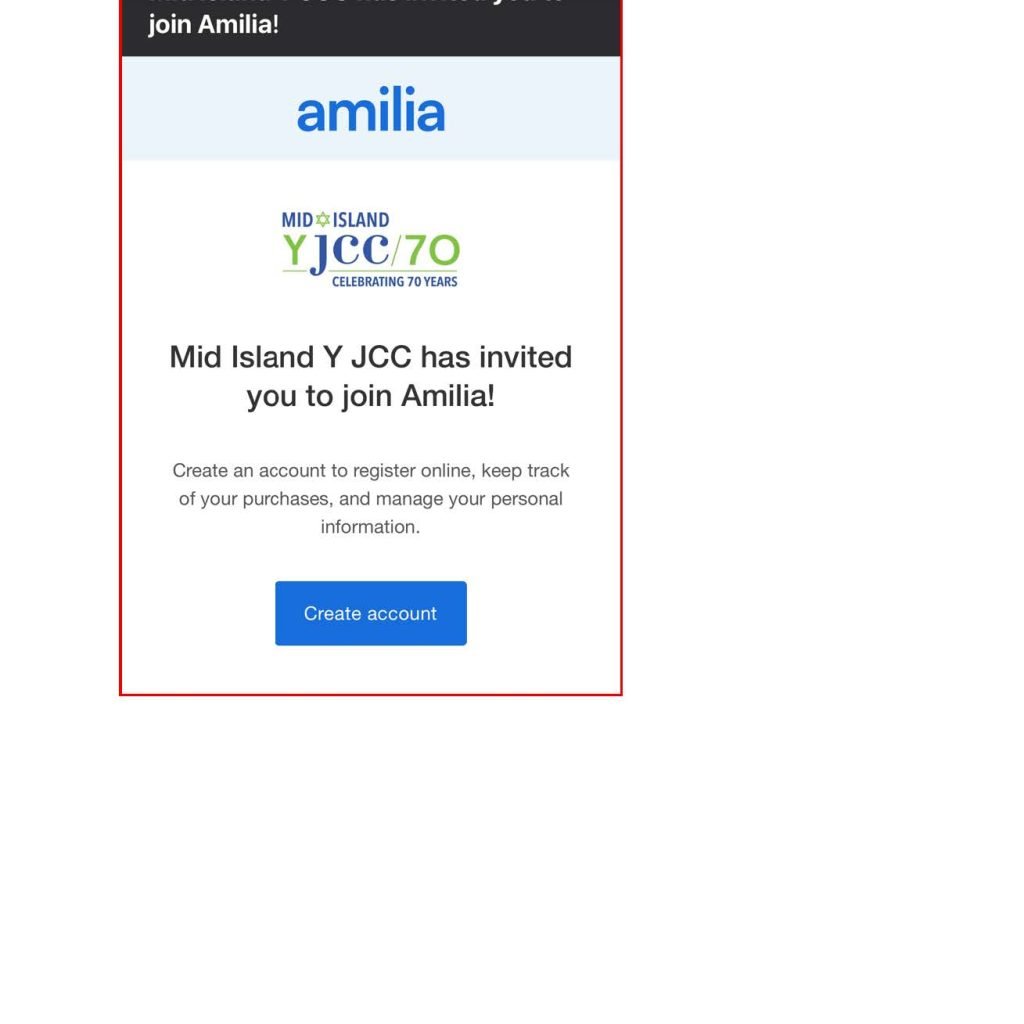
Step 2: Click on the activation link and create an account
- You’ll be prompted to create a password to log in.
If you view that email past 60 days, the activation link will no longer be active. Contact [email protected] for assistance.
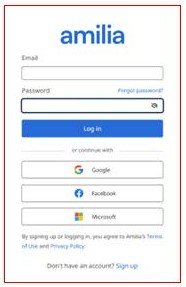
Step 3: Once you have been logged in- Update/Verify your account
- Verify your information to ensure the data transfer was accurate (name, date of birth, email, phone number, family members and their information, etc.).
- Designate a different Account Owner in your Amilia account by contacting [email protected].
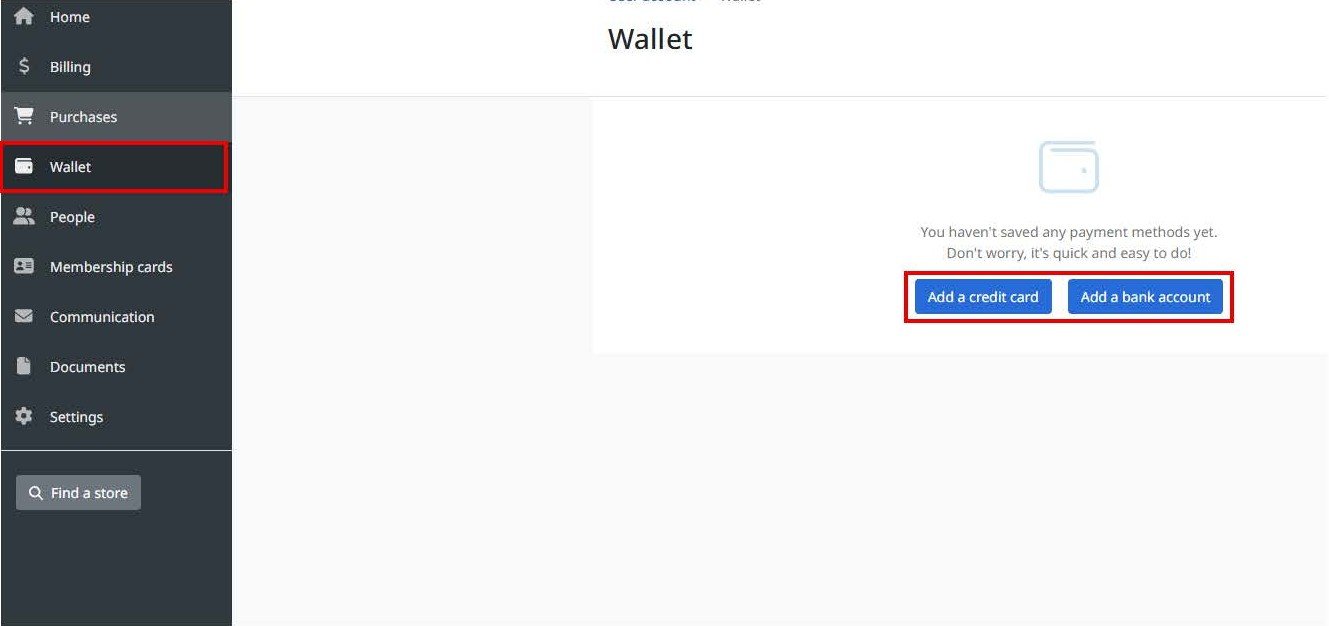
Step 4: Set up Payment
- Set up your “Wallet” to add your credit card information or confirm your credit card on file for a quicker future checkout experience.
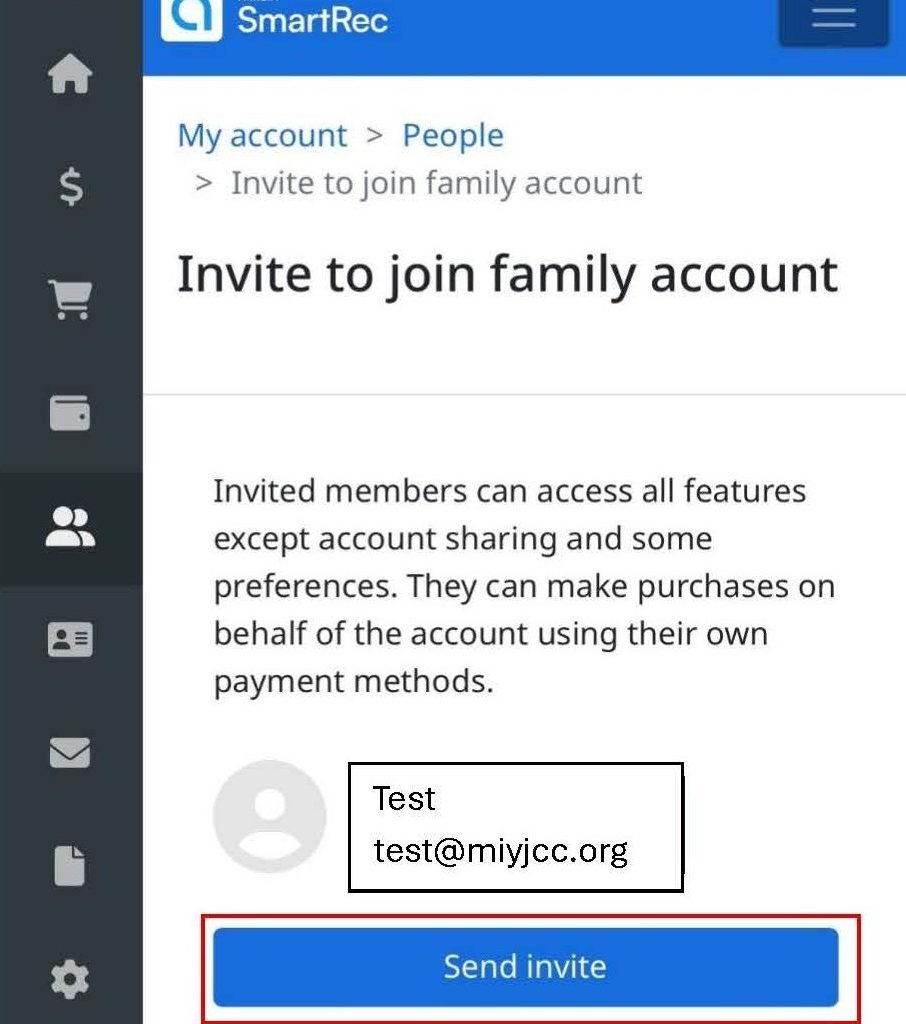
Step 5: Invite anyone in your membership over the age of 14 to be linked to your account
- Invite members of your household (ages 14+) from your account to create their own login
Note only the Account Owner can do this step
Step 6: Download the App
- Use the links below to download the app for easy registration use




Step 7: Activate
- Each family member will receive an email to activate
FREQUENTLY ASKED QUESTIONS
Amilia Resources
Amilia SmartRec offers incredible tools and resources to support the Mid Island Y JCC community.
Below are some helpful resources you can navigate:
